
Secure cases
Track multi-step customer issues with status, owners, and history.

UCaaS / Microsoft 365 Ticketing
Peacey Systems
Peacey designs and deploys the bridge from contact-center cases to the Microsoft 365 tools your team already opens every day.
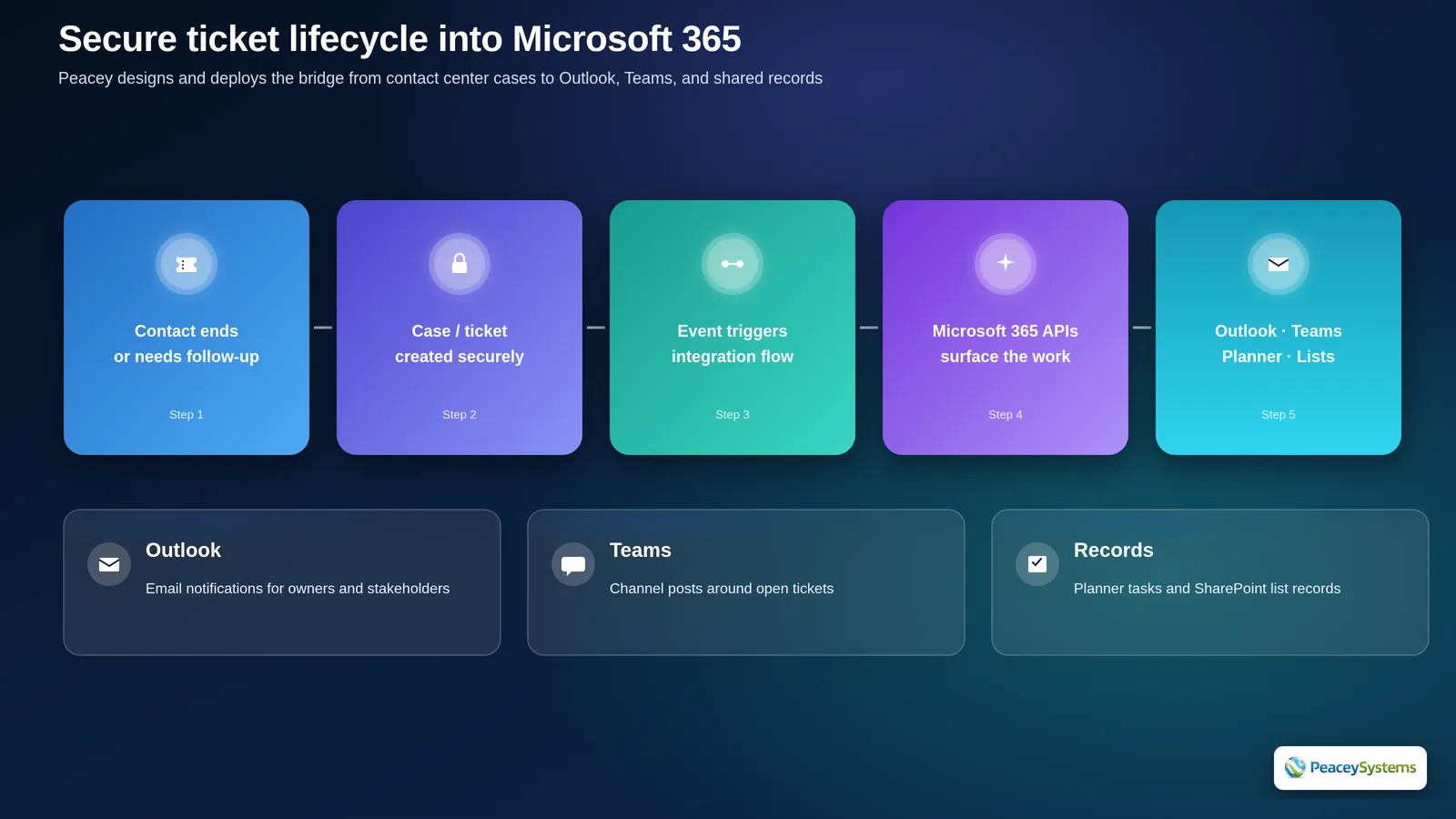
When a contact needs follow-up, your contact center can create a secure case automatically or with an expert. Peacey builds the integration that surfaces that work into Microsoft 365 — Outlook, Teams, and durable records.
Track multi-step customer issues with status, owners, and history.
Open or update tickets from flows, AI, or agent actions.
Email owners and stakeholders with threaded updates.
Channel posts so specialists can swarm an open issue.
Planner tasks or SharePoint list items for audit-friendly tracking.
Keep customer email in Microsoft 365 while agents work contacts in the contact center.
Peacey designs and deploys the bridge from contact-center cases to Outlook, Teams, and durable records — using platform event streams and Microsoft 365 APIs.
Swipe to explore
Agree the fields and lifecycle your operation needs.
Link contact-center case and task events to an integration flow.
An Entra ID app registration under least privilege.
Outlook, Teams, and record surfaces your staff already trust.
Test, protect secrets, and deliver runbooks.

It can stand alone for many contact-center workflows or sit beside an existing helpdesk. We design the model around how your teams already work.
The featured bridge assumes Microsoft 365. Other CRM or ticketing targets are possible using the same event and API patterns.
Typically your tenant, with Peacey configuring scopes, secrets handling, and the integration flow under your governance.
Agents work cases in the contact-center workspace. Microsoft 365 users get notifications and collaboration surfaces without learning a second console.
Tell us how your customers reach you today. Peacey will design the contact center around that work.